A Home-Office Wall-Printing Backdrop That Works On and Off Camera
Plan a home office wall printing backdrop that looks balanced on video calls and calm in the room: camera crop, lighting, styles and a quote checklist.
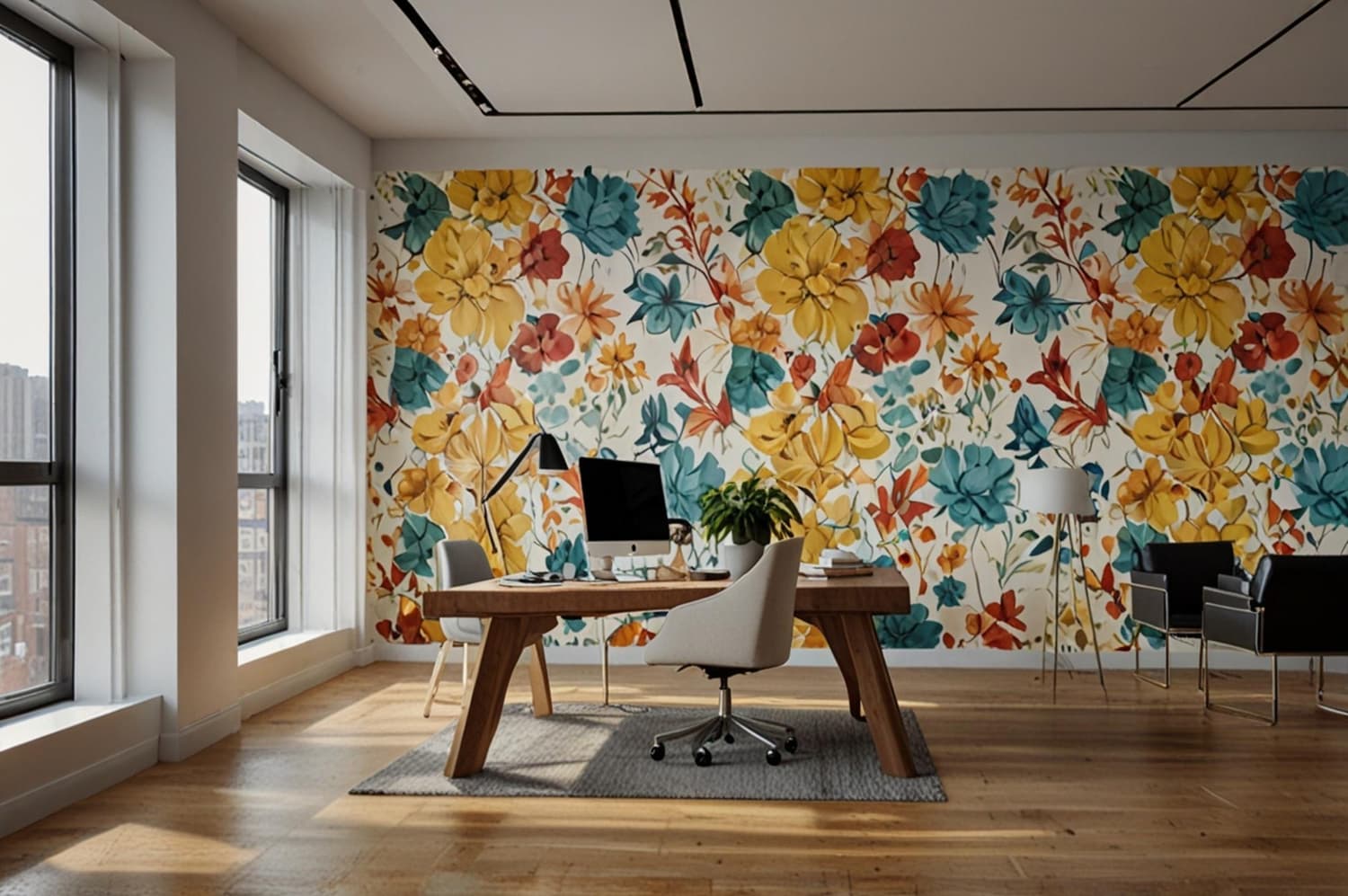
A home office wall printing backdrop is a custom design printed directly onto the wall behind your desk, planned so it looks balanced on video calls and calm when the camera is off. The best results come from fixing desk and camera positions first, then sizing the artwork to the camera crop, lighting and the wall's real dimensions.
For anyone in Riyadh or Jeddah who works from home, even a few days a week, the wall behind the chair becomes part of how they present themselves. This guide walks through planning that wall step by step, so the design supports the room instead of competing with you on screen.
What Makes a Home Office Backdrop Different From Other Feature Walls?
A living-room mural is seen from the sofa, across the room, at many angles. A home-office backdrop has two audiences. The first is you, sitting at the desk for hours, usually facing away from it. The second is the camera, which sees only a narrow rectangle of the wall, flattened and compressed, often at low resolution.
That means a home office wall printing backdrop has to pass two tests:
- The on-camera test: does the part of the wall inside the frame look tidy, uncluttered and well balanced behind your head and shoulders?
- The in-room test: does the whole wall still feel right when you walk in, read on the sofa or use the room as a guest bedroom or study?
Designs that pass only one test cause regret. A bold pattern can look exciting in a mockup yet flicker or distract on a laptop camera. A tiny logo placed for the camera can look lost on a three-metre wall in real life.
How Do You Plan the Camera Crop Before Choosing Artwork?
Start with furniture and the camera, not with mood boards. Once the desk moves, the whole composition shifts.
Fix the desk and seating position
Decide where the desk will live long-term. Note the chair height and where your head sits when you are on a call. Mark that point on the wall with masking tape. This becomes the reference line for the whole design.
Capture the real frame
Open the video-call app you use most, sit normally and take screenshots at your usual camera angle. Do this with a laptop camera and, if you use one, an external webcam. Most people are surprised how little wall appears, and how high or low that slice sits. Measure the visible area on the wall with tape so the designer knows the exact on-camera zone.
Leave a quiet zone behind your head
Keep the area directly behind your head and shoulders low in contrast and detail. Busy lines, text or strong edges right behind you can look like they are growing out of your head on screen. Place stronger shapes, colour blocks or a subtle brand mark to one side of the frame, roughly following a rule-of-thirds layout.
If you are still deciding which wall in the room should carry the design, our guide on choosing where a printed mural should go explains how sightlines, entrances and light affect the decision.
Which Home Office Wall Printing Backdrop Styles Work on Camera?
There is no single correct style, but some directions handle the camera better than others. Here is how common options compare.
- Soft abstract shapes: calm on camera and add depth without detail; flexible with most furniture. Watch for colours that clash with skin tones.
- Landscape or desert horizon: gives a sense of space behind you and feels relaxing during long work hours. Watch for a horizon line cutting through your head.
- Geometric or Najdi-inspired patterns: strong identity and regional character that feels crafted. Watch for fine repeating lines that shimmer on video.
- Subtle brand or name mark: professional for client calls, but can feel corporate if oversized. Watch for placing it where your head hides it.
- Bookshelf or library illusion: a familiar study look that can feel busy in small rooms. Watch for it looking fake at close range.
Whatever style you choose, use artwork with enough resolution for the full wall size. Our article on choosing artwork by style, size and quality covers file quality and scale in more detail.
How Do Lighting and Colour Affect the Backdrop?
Cameras react to light far more than eyes do. A wall that looks soft and warm in person can appear grey, orange or blown out on screen.
- Window position: a window behind you turns you into a silhouette. A window beside or in front of you lights your face, and the printed wall then reads as a gentle background.
- Contrast with you: choose a background tone that separates you from the wall. Mid-tones usually work better than very dark or very white walls.
- Finish: ask about matte or low-sheen finishes for the printed surface. Shiny surfaces can catch lamp reflections that show up as hot spots.
- Evening calls: check the design under the artificial light you actually use at night, not only in daylight.
A simple test before finalising: hold printed colour samples or a large mockup on the wall, join a test call, and look at how they appear at your normal camera quality.
What Should You Measure and Share Before Requesting a Quote?
A clear brief saves rounds of revisions. Before contacting WallInks, gather:
- Full wall width and height, plus the position of sockets, switches, shelves and windows.
- Photos of the wall straight on and from the doorway.
- Screenshots from your usual video-call setup, with the on-camera zone marked.
- Desk position, chair height and where your head sits on calls.
- Your city (for example Riyadh or Jeddah) and the wall's current paint condition.
- Any artwork, brand files or reference images you want included.
Our wall printing quotation checklist lists the full set of details that help the team understand the project quickly.
Which Mistakes Should You Avoid With a Home Office Backdrop?
- Designing before fixing the desk. Moving the desk later can push the main design out of frame.
- Centring a strong element behind your head. It competes with your face and is hidden most of the time.
- Using fine repeating lines. Thin stripes and dense patterns can create shimmering effects on some cameras.
- Treating the wall as a logo board. An oversized logo can make the room feel like an office reception, not a home.
- Forgetting other room uses. If the room doubles as a guest room or children's study, keep the design flexible.
- Expecting the wall to change how you work. A good backdrop makes the space feel considered and personal; it is a design choice, not a productivity tool.
Frequently Asked Questions
Which wall should I use for a home office backdrop?
Use the wall that sits behind you when you face your camera at your normal desk position. Ideally it should not contain a window, because backlighting makes you appear dark on video. If the room layout forces a window behind you, consider moving the desk first, then plan the printed design around the new camera view.
Will a printed wall look good on video calls?
It can, if it is planned for the camera. Keep the zone behind your head calm, place stronger elements to the side, avoid fine repeating lines and test colours under your real lighting. Sharing screenshots of your actual call frame with the designer is the most reliable way to judge how the finished wall will appear.
Can I include my company logo in the design?
Yes, a subtle brand or name mark can work well for client-facing calls. Place it to one side of the on-camera zone so your head does not hide it, and keep it modest in size so the room still feels like part of your home. Provide a high-quality vector file so edges print cleanly.
How large should the on-camera area of the design be?
There is no fixed size. It depends on your camera, lens and distance from the wall. Measure the actual visible area by taking screenshots at your normal seating position and marking the frame edges on the wall with tape. The designer can then scale the key elements to fit that zone precisely.
Is a home office wall printing backdrop suitable for shared rooms?
Yes. Many homes use the same room as a study, guest room or reading corner. In that case choose a design that works for everyone, such as calm landscapes or soft abstract shapes, and keep business elements subtle. That way the wall still feels at home when nobody is working.
Conclusion
A successful home office wall printing backdrop starts with the desk, the camera and the light, not with the artwork. Fix your seating position, capture the real on-camera frame, keep the space behind your head quiet, choose a style that works both on screen and in the room, and test colours under your actual lighting before approving the design.
Ready to plan a backdrop that works on and off camera? Share your wall photos and call screenshots with WallInks and the team will help you shape a design for your home office in Riyadh, Jeddah or elsewhere in Saudi Arabia.